bdtk67 Glossary: Lobby and Account Terms Explained
Every term you see in the bdtk67 lobby, on the odds board, or inside your bKash and Rocket wallet pages is defined here in plain language. Use this reference before you place a bet, fund your account, or read a game paytable — so nothing on screen catches you off guard.
When you know what a term means, you make faster decisions. Seeing '' on a slot from PG Soft or CQ9 tells you how much of wagered money the game returns over time — that one figure shapes how you browse the slot rooms. Knowing 'house edge' helps you compare a live baccarat table against a sports market. Understanding 'rollover' stops a withdrawal from stalling because a condition was missed. Each definition in this glossary links directly to something you can see on screen — a game paytable, an account transaction row, or a deposit field showing your bKash or Rocket number.
CORE DEFINITIONS
Fundamental Terms Every Player Should Know
These are the words you will encounter most often when browsing slots, live tables or crash games on bdtk67. Each definition is kept short and practical so you can scan and move on.
RTP (Return to Player)
RTP is the percentage of all money wagered on a game that the game returns to players over a large number of rounds. A slot showing means 96 Taka returned per 100 wagered on average across many spins.
House Edge
House edge is the mathematical advantage the platform holds on any given game or market. A lower house edge means the game pays back more to players over time. You can compare house edges across game types by checking the paytable or rules panel.
Volatility
Volatility describes how a slot pays — high volatility means large prizes hit less frequently, while low volatility means smaller prizes come more often. Game providers like PG Soft and JDB usually display the volatility rating inside the game details screen.
Wager / Turnover
A wager is a single bet placed on any market or game round. Turnover refers to your total accumulated wager amount over a period. Both figures are visible in your transaction history inside the account dashboard after login.
Jackpot
A jackpot is a game's highest prize, triggered by a rare symbol combination or a dedicated feature round. Some slots from Joker or PlayStar display a jackpot meter that shows the current prize pool as the game runs.
Live Dealer
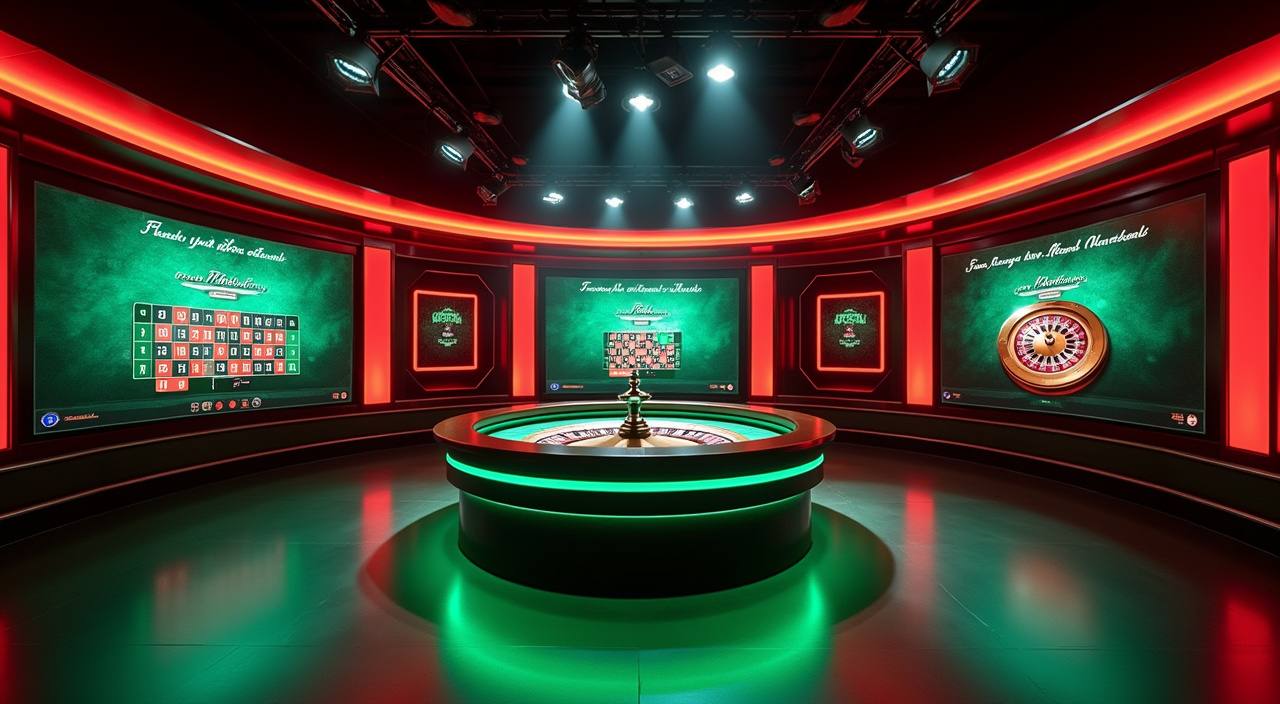
A live dealer game streams a real human dealer conducting the game — dealing cards in baccarat or spinning a roulette wheel — from a studio feed. You place bets through the screen; the dealer and table are real, not animated.
ODDS AND ACCOUNT TERMS
Odds, Payment and Account Language Defined
These terms come up when you read a sportsbook market, process a bKash deposit, or check withdrawal conditions. Understanding them keeps your account actions clean and your reading of odds accurate.
Asian Handicap
Asian handicap is a sports betting format that removes the draw outcome by giving one team a virtual head start or deficit. Common in cricket and football markets, it narrows the bet to two possible results rather than three, changing how odds are priced.
Over / Under
An over/under bet asks whether a specific figure — total runs in a cricket innings, total goals in a match — will be higher or lower than the line set by the platform. You pick over or under; the final count settles the market.
Rollover
Rollover is the total wager amount you must reach before a conditional balance — such as a credited amount tied to an offer — can be withdrawn. The current rollover progress and remaining amount are shown in your account dashboard after login.
E-wallet / Mobile Wallet
An e-wallet or mobile wallet is a digital account that holds a money balance on your phone. On bdtk67, bKash and Rocket are the primary wallet rails for deposits and withdrawals. You enter your wallet number and confirm through the wallet app.
KYC (Know Your Customer)
KYC is the identity verification process an account holder completes before certain account actions — such as raising withdrawal limits — are available. Required documents and the verification steps are listed in the account settings section after you log in.
Decimal Odds
Decimal odds show how much you receive back per unit wagered, including your stake. Odds of 2. 50 return 2. 50 Taka for every 1 Taka placed. Multiply your stake by the decimal to see the total payout before confirming any bet slip.
WHERE TERMS APPEAR
Four Term Families and Where You See Them
Each cluster of terms lives in a specific part of the lobby or account area. Knowing where to look stops you from searching the wrong screen.
Game Mechanics
Terms like RTP, volatility, paylines, multiplier and bonus round appear inside the game itself — usually in the information or paytable panel before you start a round. PG Soft and CQ9 titles show these in a dedicated rules tab within the game window.
Odds and Markets
Asian handicap, over/under, decimal odds and match lines live on the sportsbook page. Cricket markets — including BPL and international matches — display the current odds directly on the market card. Odds update in real time; refresh the page if a figure looks stale.
Wallet and Account
Deposit, withdrawal, e-wallet, transaction ID, processing and pending status are the words you read inside your account wallet tab. When you fund through bKash or Rocket, a transaction reference number appears in both the wallet app and your bdtk67 account history.
Promotion Conditions
Rollover, eligible games, minimum odds, qualifying wager and expiry date are the terms attached to any offer shown in your account. The current state of any active offer — including rollover progress — is displayed in the account dashboard after you log in.
TERMS IN REAL DECISIONS
How These Terms Connect to Lobby Actions
Consider a simple sequence: you open the slot section and see a CQ9 title with and a volatility rating of high. That combination tells you the game pays infrequently but the prize rounds are larger — useful context before you set your stake. Next, you move to the sportsbook and find a cricket match showing an Asian handicap line with decimal odds of 1. 85. You multiply your intended stake by 1. 85 to see the total return before confirming. After both sessions, you check your transaction history: the deposit made via bKash appears with a reference ID and a settled status, and your wager total for the day is visible as a turnover figure. Each of these screen moments uses a term from this glossary.
Slot Paytable Screen
RTP and volatility appear here before the first spin. On titles from JDB and PlayStar, the information panel opens with a tap on the 'i' icon inside the game window.
Sportsbook Market Card
Decimal odds, handicap lines and over/under figures sit on the market card for each match. Cricket fixtures — BPL and international — show these fields side by side so you can compare markets before selecting.
Account Transaction Row
Every bKash or Rocket deposit creates a row in your transaction history showing amount, reference ID and status. Pending, processing and settled are the three status labels you will see there.
Dashboard Offer Panel
Rollover progress, eligible game list and expiry are shown here for any active offer. The current state updates after each qualifying wager; you do not need to refresh manually.
USING THESE FEATURES
Questions About Applying These Terms on bdtk67
These questions cover how to act on what a term means — not just what it says in a definition.
Where do I check the RTP of a slot before I play?
Open the game and tap the information or rules icon — usually shown as 'i' or a question mark. PG Soft and CQ9 titles display RTP in that panel. If the provider has not published a figure, the field is not shown; we do not display invented percentages.
How do I see my total turnover for the day?
Log in and go to your account transaction history. Turnover is listed as the sum of wagers placed across all games and markets in the selected time range. You can filter by date to isolate a single session or day's activity.
What does 'pending' mean on my bKash withdrawal?
Pending means the request has been received and is queued for processing. The status changes to processing once the wallet team acts on it, then to settled when the amount reaches your bKash account. All three stages are visible in your transaction row.
How does the Asian handicap work on a BPL cricket match?
One team receives a run or wicket head start before the match starts. If you back the team receiving the handicap, they must win by more than that margin for your bet to settle in your favour. The exact handicap line is displayed on the market card.
Where do I complete KYC verification on my account?
Log in and open account settings. The verification section lists the documents required and the steps to upload them. KYC status updates are shown in the same section; you will see when your account moves from unverified to verified.
Can I use Rocket for both deposits and withdrawals?
Yes. Rocket is configured as both a deposit and withdrawal route on bdtk67. Enter your Rocket number in the payment field, confirm the amount, and follow the instructions shown on the payment screen. Check your account wallet tab to monitor the transaction status.
GET TERM HELP
Ask Us When a Term or Account Feature Is Unclear
If a definition in this glossary does not fully answer what you see on screen — an unfamiliar label on a game paytable, an odd status in your bKash transaction row, or a condition in an active offer — our support team can walk through it with you directly.
Live Chat
Open the chat icon from any page inside the lobby. Describe the term or screen you are looking at and an agent will explain what it means in the context of your account. Chat is the quickest route for anything you see mid-session.
Account Help Section
Log in and go to account help for written explanations of wallet status labels, KYC steps and transaction terminology. This section covers the most common account-language questions without needing to contact support directly.
Email Support
For detailed questions — such as how a rollover was calculated or why a particular term applies to your offer — send a message through the email contact listed in your account settings. Include your transaction ID or offer reference for a faster response.
 Live / Slots